Microsoft Office 365 Family – Genuine Subscription
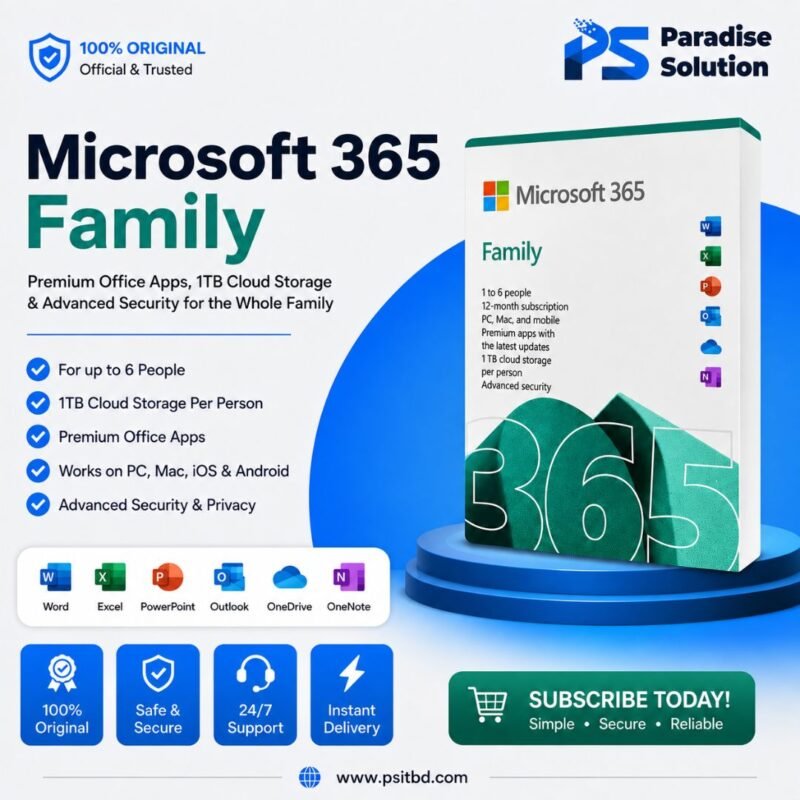
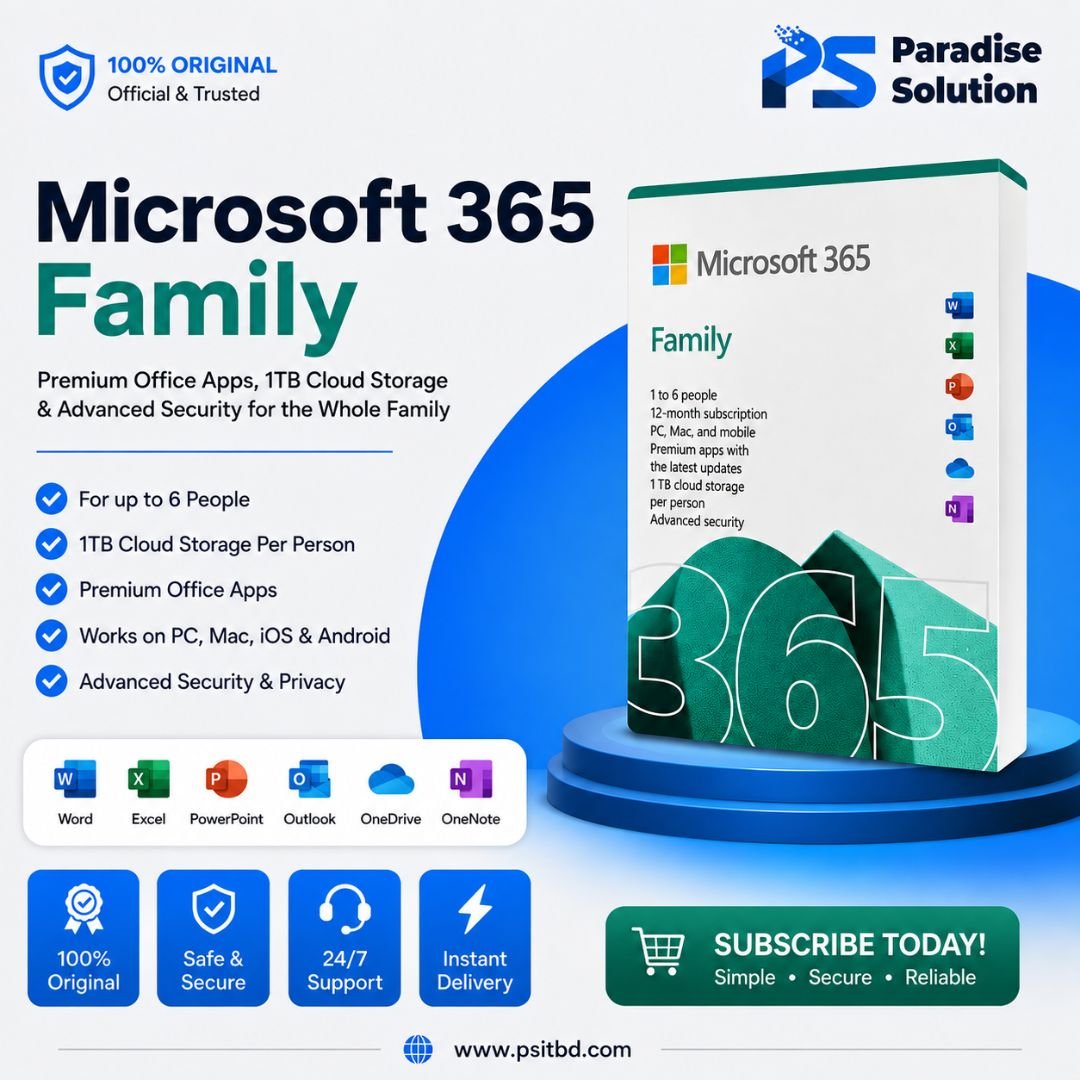
Microsoft Office 365 Family — now called Microsoft 365 Family — is a subscription plan designed to give premium Microsoft tools to families of up to six people. Each person gets their own personalized access, and it works across multiple devices.
Specification
Designed for 1 to 6 people.
6 TB total: 1 TB of secure OneDrive storage per person.
Includes Personal Vault with two-step verification for sensitive files.
Each user can sign in on up to 5 devices simultaneously.
Each person gets their own account and personalized features.
Install on multiple devices: Windows, macOS, iOS, iPad, Android, Tab.
Microsoft Defender: Protects against malware, phishing, and ransomware.
Real-time alerts and identity theft monitoring (some features vary by region).
Copilot in Word, Excel, PowerPoint, Outlook, and OneNote (available only to the subscription owner).
Microsoft Designer: Create and edit images with generative AI.
Clipchamp: Premium video editor with filters and effects.
Microsoft Teams for video calls (up to 30 hours with 300 participants).
Always up-to-date apps and features.
Offline & Online.
Difference Between Invite & Box
Recommended
Microsoft 365 Family Invite
Shared digitally via email or link. Accept invite through Microsoft account for instant access. Owner sends invite to add family members.
Physical
Microsoft 365 Family Box
Physical packaging with product key inside. Enter product key online to activate. After manual activation, it provides the same benefits as the invite method.
Warranty & Support
Product Warranty
Full coverage for eligible product issues
12-Months
Coverage Details
Support for activation issues & access problems during the subscription period